
QrCraft app
QR Craft - Scan & Generate
github.com/ahmmedrejowan/QrCraft
About
Professional QR Code & Barcode Scanner + Generator
A modern, feature-rich Android app for scanning and generating QR codes and barcodes with 26 professional templates.
Features
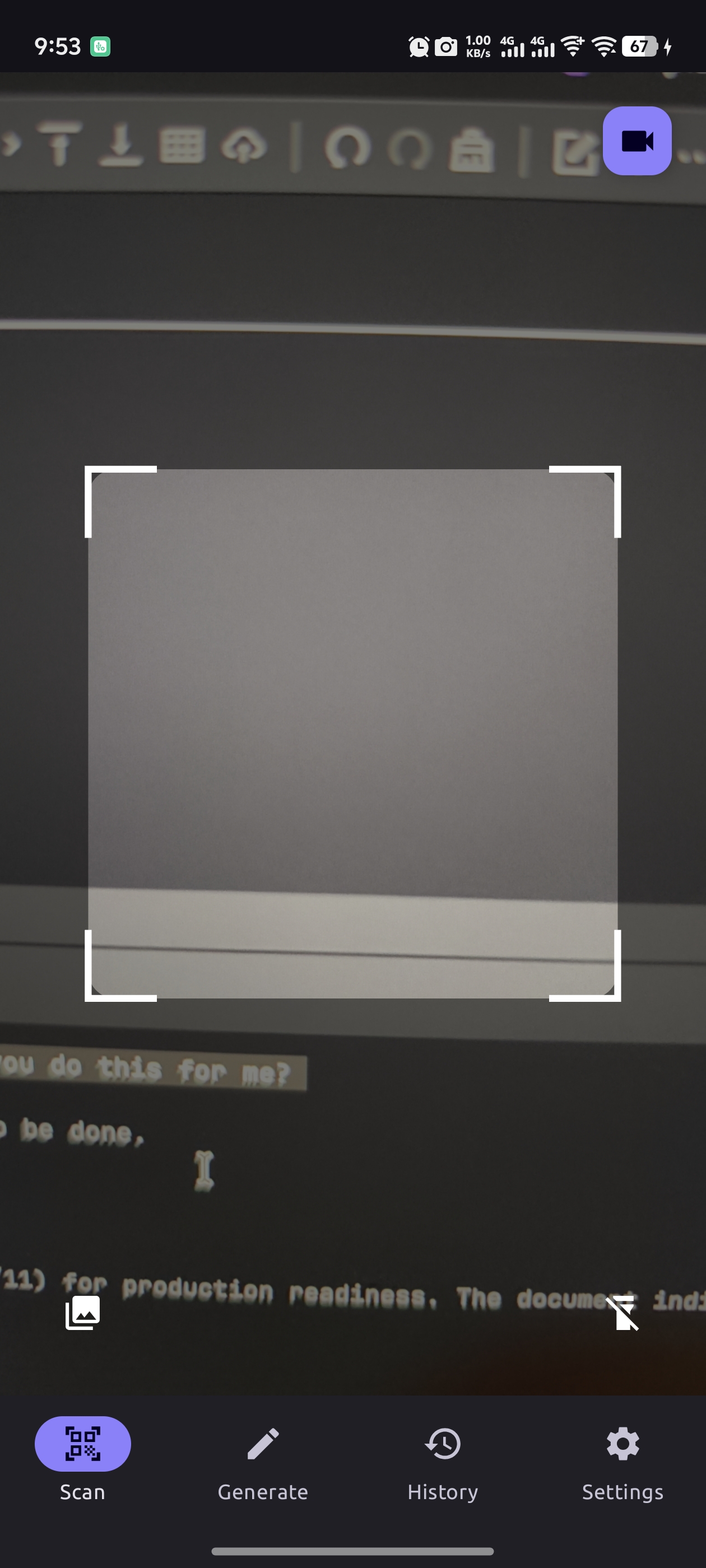
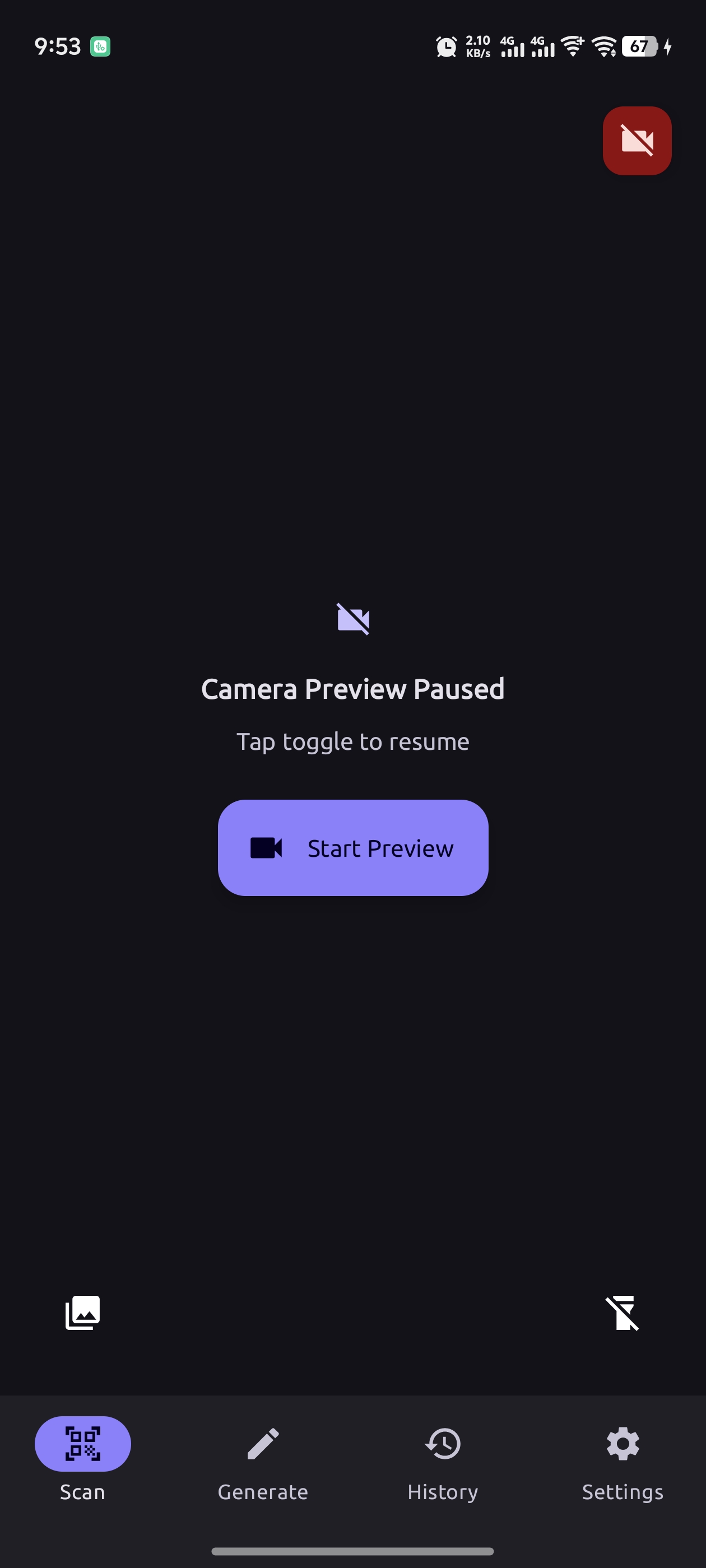
- Fast Scanning - Real-time QR code and barcode detection with 13+ format support
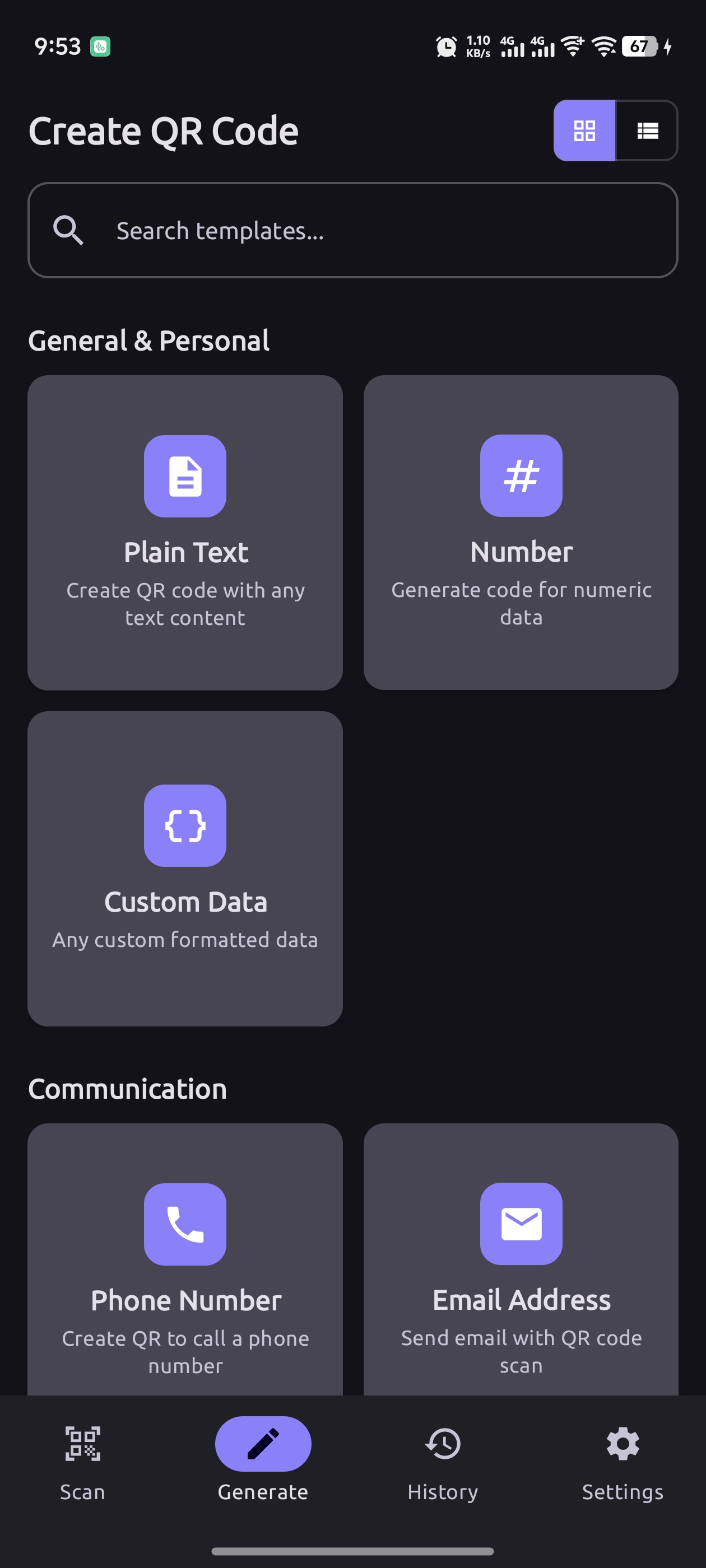
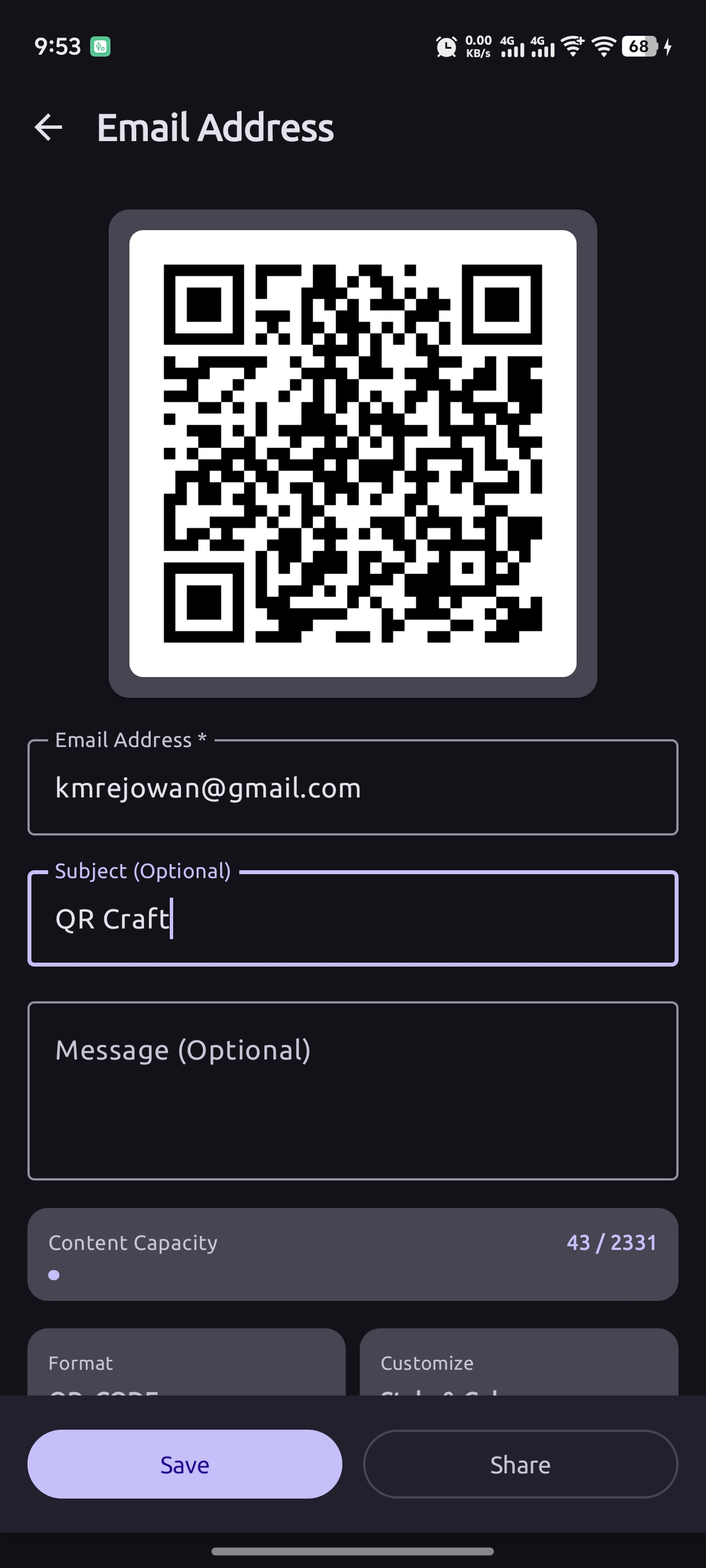
- 26 Professional Templates - Generate codes for text, URLs, contacts, WiFi, events, payments, and more
- Advanced Customization - Custom colors, sizes, margins, and error correction levels
- Smart Detection - Automatic content recognition (URLs, emails, phone numbers, WiFi)
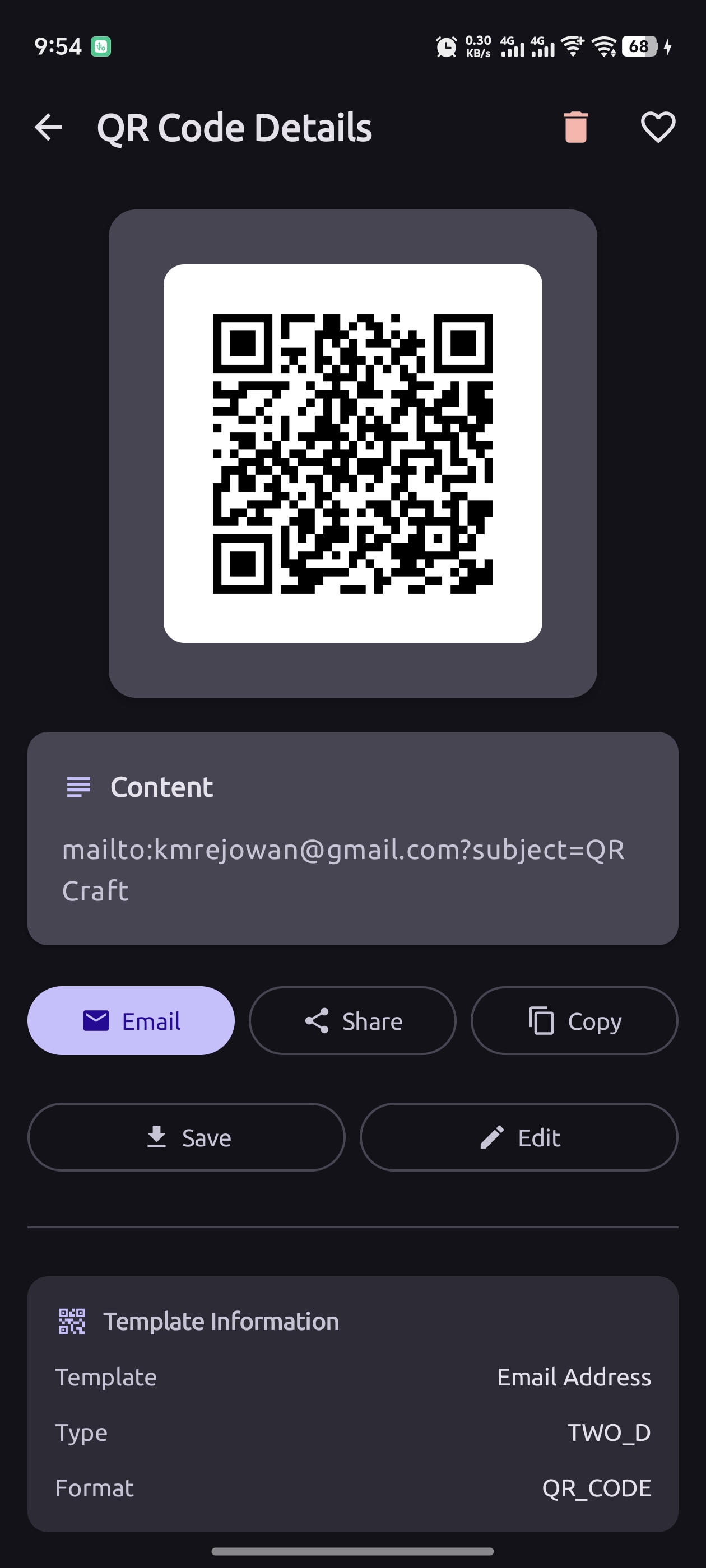
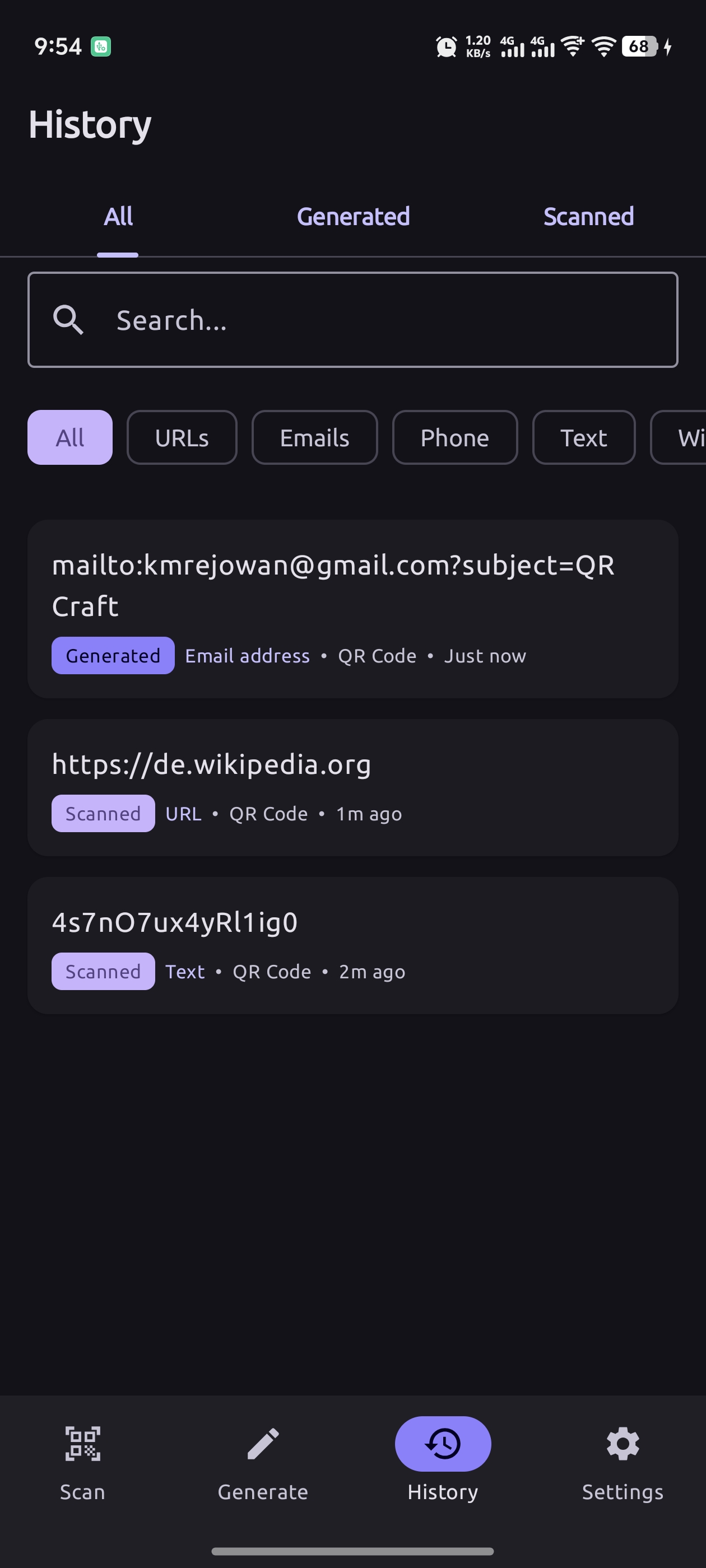
- History & Favorites - Track all scans and generations with timestamps
- Gallery Import - Scan QR codes from existing images
- Export & Share - Save to gallery or share results
- Material 3 Design - Modern UI with dark mode and dynamic colors
- 100% Offline - Complete privacy, no internet required
Download
You can download the latest APK from here
Check out the releases section for more details.
Screenshots
| Shots | Shots | Shots |
|---|---|---|
 |
 |
 |
 |
 |
 |
Architecture
QRCraft follows Clean Architecture principles with MVVM pattern:
app/
├── data/                      # Data layer
│   ├── local/
│   │   ├── database/         # Room database
│   │   └── preferences/      # DataStore preferences
│   ├── mappers/              # Entity ↔ Domain mapping
│   └── repository/           # Repository implementations
│
├── domain/                    # Domain layer (business logic)
│   ├── models/               # Domain models
│   └── repository/           # Repository interfaces
│
├── presentation/              # Presentation layer (UI)
│   ├── scanner/              # Scanner feature
│   ├── generator/            # Generator feature
│   ├── history/              # History feature
│   ├── settings/             # Settings feature
│   └── navigation/           # Navigation
│
└── utils/                     # Utilities
    ├── generator/            # Code generation utilities
    └── scanner/              # Code scanning utilities
Tech Stack
- UI Framework: Jetpack Compose (100% Compose UI)
- Language: Kotlin (100%)
- Architecture: MVVM + Clean Architecture
- Dependency Injection: Koin
- Database: Room (with proper migrations)
- Async: Kotlin Coroutines + Flow
- Navigation: Jetpack Navigation Compose
- Camera: CameraX
- ML Kit: Google ML Kit Barcode Scanning
- Barcode Generation: ZXing (Zebra Crossing)
- Image Loading: Coil
- Logging: Timber
- Data Storage: DataStore (Preferences)
Requirements
- Minimum SDK: API 24 (Android 7.0 Nougat)
- Target SDK: API 36 (Android 15)
- Compile SDK: API 36
- Gradle: 8.13
- AGP: 8.7.3
- Kotlin: 2.1.0
- Java: 17
Permissions
CAMERA- Required for QR code and barcode scanning
Note: This app is 100% offline and does not require internet permission.
Build & Run
To build and run the project, follow these steps:
- Clone the repository:
bash
git clone https://github.com/ahmmedrejowan/QRCraft.git - Open the project in Android Studio.
- Sync the project with Gradle files.
- Connect your Android device or start an emulator.
- Click on the "Run" button in Android Studio to build and run the app.
Testing
# Run unit tests
./gradlew test

# Run instrumented tests
./gradlew connectedAndroidTestNote: Test coverage is currently being developed and will be added in future releases.
Contributing
Contributions are welcome! Please feel free to submit a Pull Request. For major changes, please open an issue first to discuss what you would like to change.
Development Guidelines
- Fork the repository
- Create your feature branch (
git checkout -b feature/AmazingFeature) - Follow the existing code style and architecture
- Add tests for new features (when test infrastructure is ready)
- Commit your changes (
git commit -m 'Add some AmazingFeature') - Push to the branch (
git push origin feature/AmazingFeature) - Open a Pull Request
Code Style
- Follow Kotlin coding conventions
- Use meaningful variable and function names
- Add KDoc comments for public APIs
- Keep functions small and focused
- Follow Clean Architecture principles
License
Copyright (C) 2025 K M Rejowan Ahmmed

This program is free software: you can redistribute it and/or
modify it under the terms of the GNU General Public License as
published by the Free Software Foundation, either version 3
of the License, or (at your option) any later version.

This program is distributed in the hope that it will be useful,
but WITHOUT ANY WARRANTY; without even the implied warranty of
MERCHANTABILITY or FITNESS FOR A PARTICULAR PURPOSE. See the
GNU General Public License for more details.

You should have received a copy of the GNU General Public
License along with this program. If not,
see <https://www.gnu.org/licenses/>.
[!WARNING] This is a copyleft license. QRCraft is licensed under GPL v3.0, which means:
- ✅ You can freely use, modify, and distribute this software
- ⚠️ Any derivative works must also be licensed under GPL v3.0
- ⚠️ You must disclose your source code if you distribute modified versions
- ⚠️ You cannot distribute proprietary/closed-source versions of this software
If you need different licensing terms, please contact the author.
Author
K M Rejowan Ahmmed
- GitHub: @ahmmedrejowan
- Email: ahmmadrejowan@gmail.com
Acknowledgments
- ZXing - Barcode generation and scanning
- Google ML Kit - Fast barcode scanning
- CameraX - Modern camera API
- Jetpack Compose - Modern Android UI toolkit
- Material Design 3 - Design system
Changelog
v1.0.0 (2025-01-13) - Initial Release
- Real-time QR code and barcode scanning
- 26 professional code generation templates
- Multiple barcode format support
- Scan and generation history
- Favorites management
- Material 3 design with dark mode
- 100% offline functionality
- Kotlin
Changelog
1.0.0
latest- 100% Offline
- 26 Professional Templates
- Multi-format Support
- and 3 more
Full notes for 1.0.0
1.0.0 on GitHub ↗QRCraft v1.0.0 - Initial Release
A modern, privacy-focused QR code scanner and generator for Android.
Features
- 100% Offline - No internet access, no data collection
- 26 Professional Templates - Contact, WiFi, Payment, Social Media & more
- Multi-format Support - QR codes, barcodes, Data Matrix, PDF417, Aztec
- Smart Scanner - Auto-detects URLs, emails, phone numbers, WiFi credentials
- Full Customization - Colors, size, error correction levels
- Modern UI - Jetpack Compose with Material 3 design
More apps
PDF Reader Pro
apps / pdfModern PDF Viewer for Android

Chargify
apps / chargifyAdvanced Battery Monitor & Charging Manager
Linky
apps / linkyModern Link & Bookmark Manager for Android